Consistency
One character you can reuse
Set up a character once from your references, then use it across scenes, outfits and formats.
Request access


Create your AI character once, keep it consistent in every image and video, and animate it with the motion you choose.


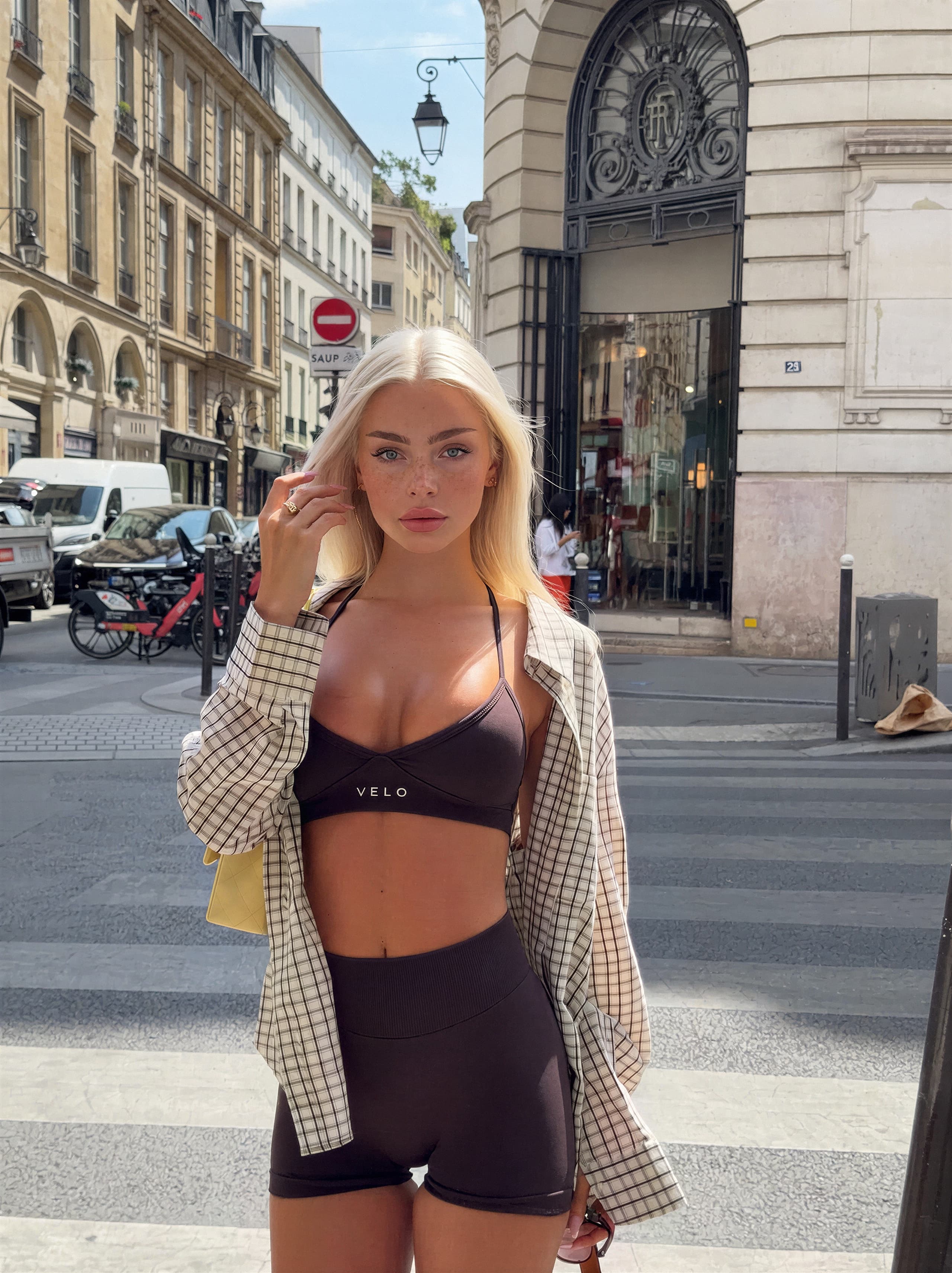

Explore character images and video examples, from portraits to different scenes and styles.




Consistency
Set up a character once from your references, then use it across scenes, outfits and formats.
Request accessMotion control
Apply the movement from a reference video to your character and get vertical reels ready to review.
Request accessLibrary & privacy
Keep outputs organized by character and generate in batches. We are building it so references and outputs are private by default; the details will be in the privacy policy before launch.
Request accessThree steps, from references to reels.
Step 1
Upload reference images of a character you created or have the rights to use.
Step 2
Upload a motion video to follow, or start from a scene template.
Step 3
Review the results, keep the ones you like and reuse the character next time.
A focused studio for creating consistent virtual characters, images and motion-controlled video, built for professional operators.
That is what the studio is built around: you set up a character once from your references and reuse it every time you generate. See the character examples on this page; full workflow demos will be added before the beta opens.
Reference images of a character you created or have the rights to use, and motion videos to follow. The full upload policy will be published before the beta opens.
References and outputs are designed to be private by default. Ownership of outputs will be set out in the Terms before the beta opens.
Pricing will be announced before launch. People on the waitlist get founder pricing.
The private beta opens in stages. The waitlist gets access first, and inviting friends moves you up the list.
The content policy for the beta will be published before it opens.
Operators who run one or more virtual characters, on their own or as an agency, and need consistent results across many scenes.
Join the waitlist for priority access, free credits in the beta and founder pricing.